Typing Speed Standards for Conference Staff in 2026
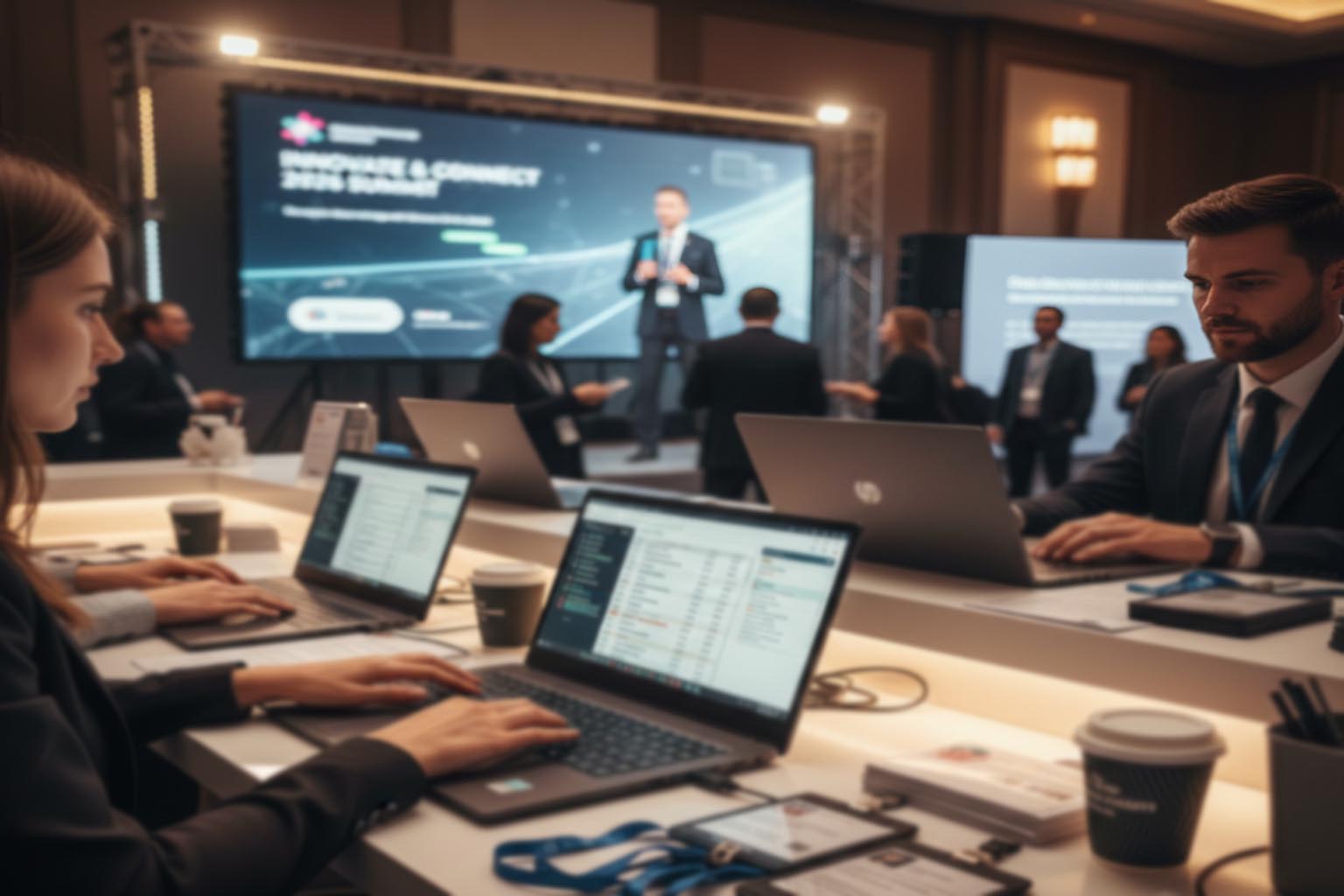
Registration desks move fast. Chat windows fill up in seconds. Speakers change slides at the last minute. In 2026, conference teams rely on keyboards more than ever. From on site check in to hybrid Q and A moderation, typing speed is not just a clerical skill. It is an operational metric.
Organizers often track venue costs, catering ratios, and attendee satisfaction scores. Yet few measure how quickly staff can input badge corrections, update session notes, or respond to urgent emails. A slow response at the registration counter can create queues. A delay in updating a schedule can confuse hundreds of delegates. Typing speed sits quietly behind these moments.
Executive Snapshot
- Typing speed affects registration flow, live chat moderation, and reporting accuracy.
- Benchmark ranges vary by role, from 35 WPM for support staff to 80 WPM for live moderators.
- Standardized testing ensures fair hiring and consistent training outcomes.
- Operational efficiency improves when typing benchmarks align with event scale.
Why Typing Speed Is Now an Operational KPI
Conferences in Singapore and across the region have grown more complex. Hybrid formats demand real time digital coordination. Staff are updating spreadsheets, pushing announcements, and logging attendee feedback while sessions are still in progress. Every keystroke contributes to the event experience.
Running a short 5 minute typing test before major events gives organizers measurable data on staff readiness. The platform is free and accessible. It tracks both words per minute and accuracy, helping planners assign high pressure digital roles with confidence.
This approach aligns with the broader discipline of timing sessions with precision. Precision does not stop at stage cues. It extends to back end workflows. Staff who type efficiently reduce friction at every touchpoint.
Core Typing Speed Benchmarks by Role
Not every staff member needs to hit 90 words per minute. Standards should reflect role complexity. Setting realistic targets avoids unnecessary pressure while maintaining operational readiness.
| Role | Recommended WPM | Accuracy Target | Operational Context |
|---|---|---|---|
| Registration Officer | 45 to 55 | 95% | Badge edits, attendee lookup, payment notes |
| Live Chat Moderator | 70 to 80 | 97% | Hybrid Q and A filtering, real time announcements |
| Content Note Taker | 60 to 70 | 96% | Session summaries, sponsor mentions |
| Back Office Support | 35 to 45 | 94% | Email replies, internal coordination |
These ranges are not arbitrary. They reflect workload intensity. A live chat moderator during a keynote must process dozens of messages per minute. Slower typing creates a backlog. Attendees notice delays.
Four Operational Areas Impacted by Typing Speed
Typing proficiency influences more than internal efficiency. It shapes the attendee journey. Below are four domains where speed directly affects outcomes.
- On Site Registration Flow
Staff who can quickly correct name spellings and update ticket tiers prevent bottlenecks. Lines shorten. First impressions improve. - Hybrid Engagement Management
Moderators who type fast can filter questions, respond to technical issues, and post clarifications instantly. - Speaker Support and Cue Updates
Real time script adjustments require accurate transcription and distribution to stage managers. - Post Event Reporting
Fast note consolidation speeds up sponsor reports and media summaries.
Accuracy Matters as Much as Speed
Raw speed alone is not enough. A registration officer who types 75 words per minute but makes frequent errors creates rework. Incorrect email addresses lead to failed confirmations. Misspelled names cause embarrassment.
According to research published by the American Psychological Association, cognitive load increases error rates during multitasking. Conference environments are full of distractions. Accuracy targets above 95 percent help counteract that pressure.
Organizers should train staff in short bursts. Ten minute drills over several weeks produce measurable gains. Pair this with workflow simulations. For example, simulate a rush of 50 attendees arriving within five minutes. Measure both speed and error frequency.
Integrating Benchmarks into Hiring and Training
Typing standards should be built into recruitment criteria. A simple skills assessment during onboarding ensures fairness. Candidates understand expectations. Managers obtain measurable data.
Training sessions can align with broader digital competency initiatives. For teams already focused on digital planning tools, adding structured typing practice is a logical extension. Both skills support the same objective, operational smoothness.
Consider a phased benchmark system:
1. New hires must achieve 40 WPM within their first month.
2. Front line staff should reach role specific targets before major events.
3. Lead moderators must maintain 75 WPM with 97 percent accuracy.
This staged approach reduces stress. It also creates a clear development path.
How Event Scale Influences Typing Standards
A boutique leadership forum with 80 delegates does not demand the same digital velocity as a regional tech summit with 3000 participants. Standards should scale with event complexity.
Small events may function well with average typing speeds around 45 WPM. Large multi track conferences require a higher ceiling. Real time updates across multiple platforms demand rapid input.
Organizers planning global gatherings, especially hybrid formats, must also account for multilingual communication. Transliteration and quick corrections slow down typing. Setting a higher baseline offsets that challenge.
Measuring Return on Faster Typing
Improved typing speed reduces queue time. It shortens response cycles. It accelerates content production. These benefits are measurable.
Track average check in duration before and after implementing typing benchmarks. Monitor response times in event apps. Compare sponsor report turnaround. Quantifiable improvements strengthen the case for ongoing training.
Operational benchmarking is already standard practice in areas such as catering ratios and venue turnaround schedules. Applying the same discipline to keyboard proficiency creates a more resilient team.
Human Factors Behind the Numbers
Typing is physical. Posture, keyboard design, and fatigue all influence performance. Multi day conferences amplify strain. Providing ergonomic keyboards and clear rest schedules sustains output.
Short warm up exercises before peak registration windows can improve muscle memory. Encourage staff to practice touch typing rather than looking down at keys. Visual attention should stay on the attendee, not the keyboard.
Confidence also plays a role. Staff who trust their typing ability maintain eye contact and engage naturally. This human connection enhances professionalism.
Building a Culture of Measured Readiness
Typing speed standards are not about competition. They are about preparedness. In 2026, conferences operate in real time. Attendees expect instant answers. Sponsors expect immediate visibility.
By treating typing as a measurable skill, organizers send a clear message. Digital fluency is part of event excellence. Structured testing, regular practice, and role specific targets form a simple but powerful framework.
The result is a team that moves confidently across registration counters, backstage control rooms, and hybrid dashboards. Every keystroke supports the overall experience.
Setting the Pace for High Performing Event Teams
Typing speed standards might seem small compared to venue selection or sponsorship strategy. Yet they influence the rhythm of the entire operation. Faster, accurate input keeps schedules intact and communications clear.
In the coming years, as conferences integrate more AI tools and real time analytics, the human ability to input clean data quickly will remain vital. Organizers who benchmark and train accordingly will run smoother events. Attendees will notice. Partners will appreciate the efficiency.
Operational excellence is built on details. Keyboard proficiency is one of them. Set the standard. Measure it. Improve it. The impact will ripple through every session and every interaction.